Support
Help with Gloaming
Something not working, or not clear? Email gloaming@callumdeas.dev. A real person reads every message.
How do I read the map?
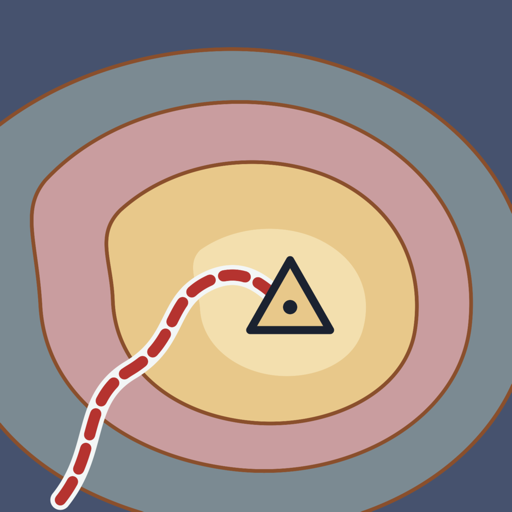
Each check-in is one step. The walker steps onto ground as high as you felt: the low glens are Mirk and Dim, the tops are Gloamin and Gowden. The hills themselves don’t mean anything; your height on them does. In the app, tap the question mark next to the map for the full key.
What if I miss a day?
Nothing happens. There are no streaks to break. The walk picks up from wherever you check in next.
Can I change an earlier check-in?
Yes, for up to a week back. Scrub the profile under the map to that day and tap it. The walk after that day is redrawn to follow the change.
I've got a new phone. How do I keep my check-ins?
Turn on Sync with iCloud in Settings on your old phone and give it a minute to upload. Then sign in to the same Apple Account on the new phone, install Gloaming and turn sync on there too.
How do I stop sharing anonymous usage?
Settings, then Privacy, then switch off Share anonymous usage. Nothing more is sent after that.
How do I delete everything?
Delete the app to remove everything on your phone. If you used iCloud sync, also remove Gloaming’s data from iCloud storage in the iOS Settings app. The privacy policy has the steps.
If you’re struggling
Gloaming is a diary, not a treatment, and it can’t tell when you need help. If things feel like more than a rough day, please talk to someone. Help lines lists free, confidential lines you can call or text now.